How to Build a Shopify Holiday Gift Finder That Helps Shoppers Choose the Right Gift
A practical framework for guiding holiday shoppers by recipient, budget, interests, product constraints, and delivery confidence.
A Shopify holiday gift finder is a guided product-discovery experience that turns a shopper's answers about the recipient, budget, interests, practical constraints, and delivery deadline into a short list of suitable products.
The best version does more than display a festive collection. It asks only the questions that change the recommendation, explains why each product fits, preserves accurate variant and inventory information, and makes uncertain delivery or return conditions visible before checkout.
It is most useful for stores with enough product choice to create uncertainty. A store with three simple products may need only a clear gift collection. A store with many similar products, technical compatibility requirements, size choices, bundles, or recipient-specific use cases is more likely to benefit from guided selection.
A gift finder is not the same as a gift guide
These experiences solve related but different shopper tasks.
| Experience | Best for | Main limitation |
|---|---|---|
| Static gift guide | Browsing a small, curated seasonal assortment | Every shopper sees the same list |
| Collection and filters | Shoppers who already know the attributes they want | Requires the shopper to understand the catalog structure |
| Gift finder quiz | Turning a fixed set of answers into product matches | Can feel rigid when the shopper's need does not fit the available choices |
| Contextual shopping guidance | Handling follow-up questions, comparisons, and exceptions | Depends on accurate store information and careful intervention rules |
Shopify recommends organizing gift guides around customer intent, including recipient, budget, interest, and theme. Shopify also supports seasonal collections and storefront filters. These are useful foundations, but they do not automatically explain why one product is more suitable than another.
A strong holiday journey can use all four layers:
- A landing page introduces the seasonal assortment.
- Collections and filters support direct browsing.
- A short finder narrows the options.
- Contextual guidance answers product-specific follow-up questions.
The goal is not to force every shopper into a conversation. It is to give each shopper the lightest useful path to a confident decision.
The six questions a useful holiday gift finder should answer
Every question should change the result, the ranking, or the explanation. If an answer does not affect any of those, remove the question.
1. Who is the gift for?
Ask about the recipient in a way that matches the catalog. Useful dimensions might include:
- relationship, such as partner, parent, coworker, or client;
- age range when it materially affects suitability;
- experience level, such as beginner, enthusiast, or expert;
- living situation or practical context; and
- whether the shopper knows the recipient's size, device, preferences, or existing products.
Avoid relying on broad stereotypes such as “gifts for him” when the product decision depends more on use case, fit, or interests.
2. What is the shopper's budget?
Use ranges that match the store's real price distribution rather than arbitrary round numbers. Include the cost of required accessories, personalization, gift wrapping, shipping, and bundles when those costs affect the decision.
A product is not a valid “under $100” recommendation if a required component moves the usable purchase above $100.
3. What does the recipient enjoy or need?
Translate interests into product-relevant attributes. “They like cooking” may need a follow-up about baking, coffee, outdoor cooking, or everyday meal preparation. “They like fitness” may require the activity, training goal, experience level, or environment.
The finder should distinguish a stated preference from an inferred one. Browsing behavior may indicate possible purchase friction, but it does not prove what the shopper or recipient wants.
4. What practical constraints must the product satisfy?
This is where generic gift lists often fail. Depending on the catalog, constraints may include:
- size or fit;
- device or system compatibility;
- materials, allergens, or fragrance;
- available space and dimensions;
- skill level;
- care requirements;
- age or safety requirements;
- included components; and
- whether the recipient already owns a related product.
These constraints should eliminate unsuitable products before softer preferences influence ranking.
5. When and where must it arrive?
Delivery confidence is part of gift suitability. The answer may depend on the destination, inventory location, processing time, personalization time, carrier service, order time, and disruption risk.
Shopify can display delivery dates based on fulfillment and transit settings, but the available options and estimates depend on the store's configuration and order context. A gift finder should use the current estimate when it is available and avoid turning a seasonal cutoff banner into a universal guarantee.
6. What happens if the gift is not right?
Before recommending a high-uncertainty item, make the relevant return or exchange conditions easy to check:
- whether gifts can be returned or exchanged;
- the eligible purchase period and deadline;
- exclusions for personalized, opened, final-sale, or hygiene-sensitive items;
- whether an order number or gift receipt is required; and
- whether the recipient receives a refund, exchange, or store credit.
The gift finder should not invent an extended holiday return window. It should retrieve and apply the merchant's approved policy.
Build the product data before building the interface
A polished quiz cannot compensate for incomplete product information. Start with the product model.
For each eligible gift product, record the attributes that determine suitability:
| Data group | Example fields |
|---|---|
| Gift context | Recipient types, interests, occasions, experience level |
| Commercial limits | Price, required add-ons, bundle price, promotion conditions |
| Product fit | Size, compatibility, materials, dimensions, use environment |
| Purchase state | Variant availability, inventory, publication status |
| Fulfillment | Processing time, delivery estimate inputs, personalization lead time |
| Policy | Gift return eligibility, exclusions, warranty, final-sale status |
| Recommendation evidence | Why it fits, important tradeoff, nearest alternative |
Shopify category metafields can hold standardized attributes connected to product categories, and custom metafields can hold merchant-specific gift criteria. Shopify says these attributes can also improve product discovery across the storefront, marketplaces, and search engines.
Keep stable, generally useful facts on the product page, specification table, size guide, shipping page, and return policy. Use a gift finder or shopping assistant when the answer depends on the particular recipient, product, variant, destination, cart, or deadline.
A practical recommendation sequence
Do not rank the full catalog after every answer. Use a defensible sequence.
Step 1: Define the eligible holiday assortment
Exclude products that should not be recommended, such as unavailable items, products with unresolved data problems, products that cannot meet the stated deadline, or products with unclear gift-return treatment.
Shopify collections can group products by season, theme, or customer intent. Use a holiday collection as the controlled candidate set rather than treating every item in the catalog as an equally valid gift.
Step 2: Apply hard constraints
Remove products that fail the shopper's non-negotiable requirements:
- over budget;
- incompatible;
- wrong size range;
- unsuitable material;
- unavailable variant;
- outside the delivery window; or
- excluded by another explicit requirement.
Hard constraints should not be overridden because a product is popular or high margin.
Step 3: Rank the remaining products by relevance
Use the recipient's interests, experience level, intended use, and softer preferences to rank the eligible products. Merchandising priorities can break a close tie, but they should not replace shopper relevance.
Step 4: Return a short list
Three well-explained options are often more useful than twenty loosely related products. Give each option a distinct role, such as:
- best match for the stated need;
- lower-cost alternative;
- premium or more versatile option.
Step 5: Explain the match and the tradeoff
For each recommendation, state:
- why it fits the answers;
- the most important difference from the other options;
- any missing information the shopper should confirm; and
- a condition that would make another product a better choice.
“Perfect for anyone” is not an explanation.
Step 6: Preserve the decision on the product page
When the shopper opens a recommendation, do not make them reconstruct the result. Preserve the selected product and variant where possible, and make the relevant compatibility, delivery, bundle, and return information easy to find.
For broader product-discovery implementation, read How to Improve Product Discovery on Shopify With AI Shopping Guidance.
Example: turning a request into an explainable shortlist
Suppose a shopper says:
I need a gift under $80 for a beginner runner who trains outside in cold weather. It needs to arrive in Boston before December 18, and I do not know their clothing size.
A useful finder should not simply search for “running gift.” It should translate the request into a decision record:
| Field | Shopper answer | Recommendation effect |
|---|---|---|
| Budget | Under $80 total | Exclude products above the usable budget |
| Experience | Beginner | Prefer accessible products that do not assume advanced knowledge |
| Activity | Outdoor cold-weather running | Prioritize products relevant to that environment |
| Size knowledge | Unknown | Avoid size-sensitive apparel unless an exchange path is clear |
| Destination and deadline | Boston before Dec. 18 | Check current availability and delivery estimate |
The result might recommend a non-size-dependent safety light, a winter running accessory with flexible fit, and a gift card as a low-risk fallback. Each option should explain why it fits and what remains uncertain.
The exact products must come from the merchant's current catalog. The finder should not fabricate product features or delivery certainty to complete the list.
Where AuraConnect fits
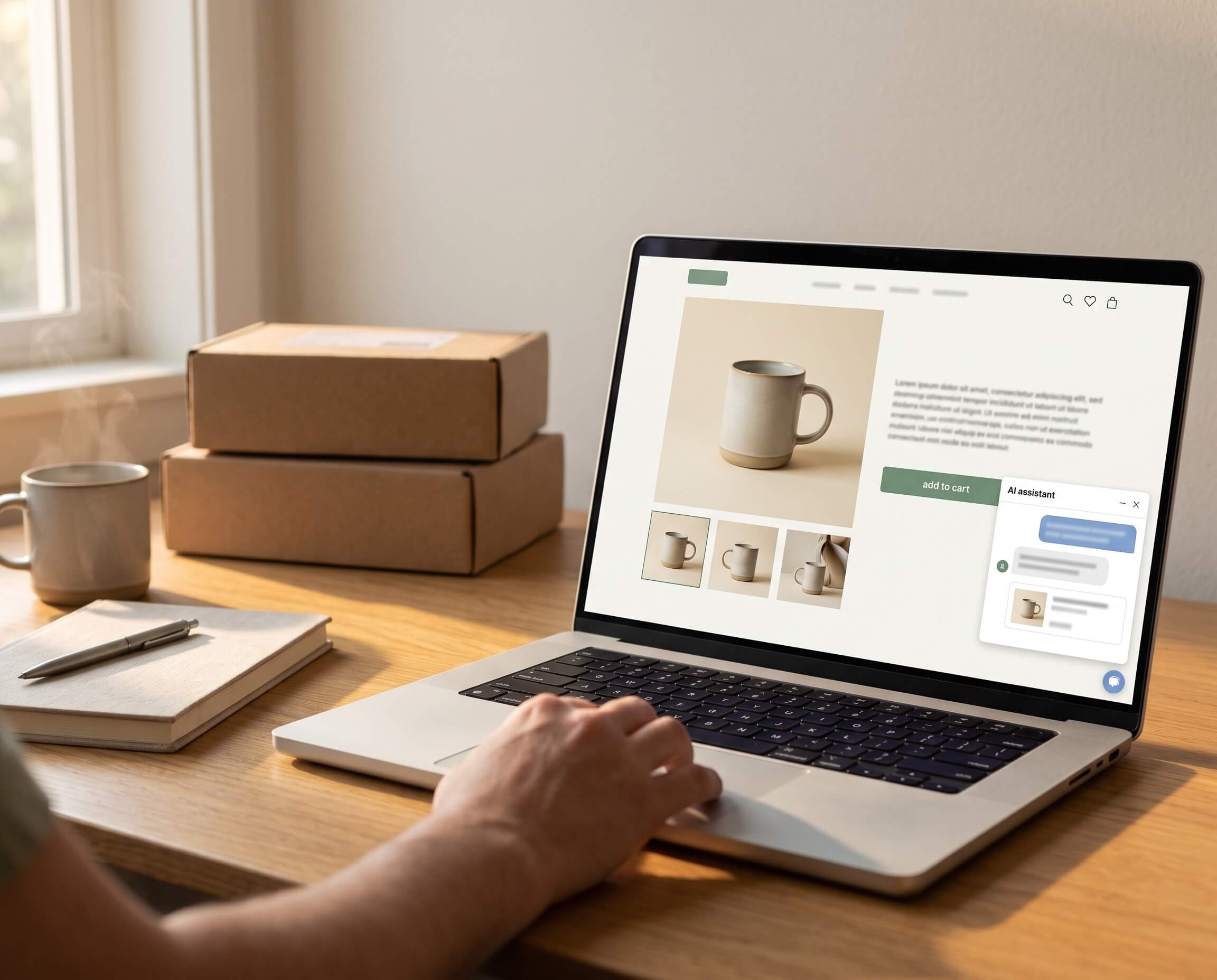
AuraConnect is a proactive AI shopping assistant for Shopify. It is designed to use approved store information, current shopping context, and observable behavior as signals that a shopper may be encountering pre-purchase friction.
For holiday gifting, AuraConnect can support the onsite decision layer by helping shoppers:
- express who they are buying for and what matters;
- narrow a large assortment;
- compare relevant products or bundles;
- ask follow-up questions about fit, compatibility, contents, delivery, or returns; and
- continue toward the appropriate product, cart, checkout, or human-help path.
Proactive guidance does not mean showing the same pop-up to every visitor. A useful intervention needs a relevant signal, product and shopping context, appropriate timing, a response connected to the current decision, and restraint when the available data is insufficient.
Add AuraConnect to Shopify to support contextual product discovery and pre-purchase guidance while holiday shoppers are still deciding.
AuraConnect does not replace accurate product records, inventory, fulfillment settings, return policies, or human judgment. It should not promise a delivery date the store cannot verify or infer private intent from browsing behavior.
When a guided gift finder is the wrong solution
Use a simpler experience when:
- the store has a very small assortment;
- most products are suitable for the same buyer;
- shoppers already arrive with exact product names;
- the required product data is incomplete;
- inventory changes too quickly to keep recommendations reliable; or
- legal, safety, medical, or highly personal suitability requires qualified human judgment.
In those cases, a clear seasonal collection, concise comparison table, prominent policy information, or human support route may work better.
How to measure a Shopify holiday gift finder
Do not evaluate the experience only by opens, completed quizzes, or revenue that happened after an interaction.
Measure the full path:
| Stage | Useful measures |
|---|---|
| Discovery | Finder entrances, eligible sessions, traffic source |
| Participation | Start rate, completion rate, dismissal rate, questions answered |
| Recommendation quality | Product clicks, shortlist changes, zero-result rate, incorrect matches |
| Purchase progress | Add to cart, variant selection, checkout progression, purchase |
| Post-purchase quality | Cancellations, returns, exchanges, support escalations |
| Product conversion | App Store clicks, installs, activation, trial, paid |
Segment results by recipient task, budget range, catalog area, device, and traffic source when the sample is large enough to be useful.
An order that follows a finder interaction may qualify as assisted or attributed revenue under a defined rule. It is not automatically incremental revenue. Use a credible baseline or controlled comparison before claiming that the finder caused additional purchases.
Holiday gift finder launch checklist
- The finder has a distinct owner URL and does not duplicate the general product-discovery guide.
- The eligible holiday assortment is defined.
- Recipient, budget, interest, and constraint fields affect recommendations.
- Product attributes, variants, prices, and inventory are current.
- Required accessories and total usable cost are included.
- Delivery answers are conditional on destination and current fulfillment data.
- Holiday return and exchange conditions are visible.
- Every recommendation includes a reason and an important tradeoff.
- The experience can return a safe “no match” result.
- Uncertain or high-risk questions can reach a person.
- The mobile journey has been tested.
- Product clicks, add-to-cart, checkout, purchase, dismissals, and errors are measured.
- Returns and cancellations are included in the review.
- The experience has been tested with representative shopper requests.
Final takeaway
A useful Shopify holiday gift finder does not begin with a festive interface. It begins with a clear product model and a disciplined decision process.
Ask only questions that change the recommendation. Apply hard constraints before preferences. Return a short list. Explain why each product fits, show important tradeoffs, and treat inventory, delivery, and return conditions as part of product suitability.
When the catalog is accurate, AuraConnect can help continue that decision on the storefront with proactive, contextual guidance. When the data is incomplete or the answer cannot be verified, the safer outcome is to say so and route the shopper to a reliable page or person.
Try AuraConnect on Shopify to guide holiday shoppers through product discovery, comparison, and pre-purchase questions before they leave.
Sources
- Shopify: How to create a holiday gift guide — reviewed October 8, 2026.
- Shopify Help Center: Collections — reviewed October 8, 2026.
- Shopify Help Center: Storefront search — reviewed October 8, 2026.
- Shopify Help Center: Adding filters with Shopify Search & Discovery — reviewed October 8, 2026.
- Shopify Help Center: Customize product recommendations — reviewed October 8, 2026.
- Shopify Help Center: Category metafields — reviewed October 8, 2026.
- Shopify Help Center: Fulfillment time and delivery dates — reviewed October 8, 2026.